
Find references
Check usage before treating an attachment as disposable. A file can be used in more than one place.
Guides
Find unused media and duplicate images, inspect file references, and review candidates before deletion. Keep backups and verify the library afterward.
Who this is for: Site owners and agencies reviewing an established WordPress library before a cleanup or handover.
What you will solve: Separate unused candidates from files with live references and review duplicate groups before choosing what to remove.
An unattached file is not automatically unused. Images can be referenced by posts, products, builders, menus, or custom fields. Scan first, inspect where each file appears, then review duplicates and unused candidates in small batches.
Check usage before treating an attachment as disposable. A file can be used in more than one place.
Exact matches and similar images need different checks. Review the version, dimensions, and live references before choosing what stays.
Make a backup before a large cleanup and confirm each destructive batch. Optimize the files you keep after the review.
Before removing two exports of the same campaign image, run the usage scan and open their duplicate group. Compare dimensions and references, inspect the pages that use them, and decide which files to keep. Start with a small reviewed batch and a current backup.
See usage, unused media, and duplicate review in the docs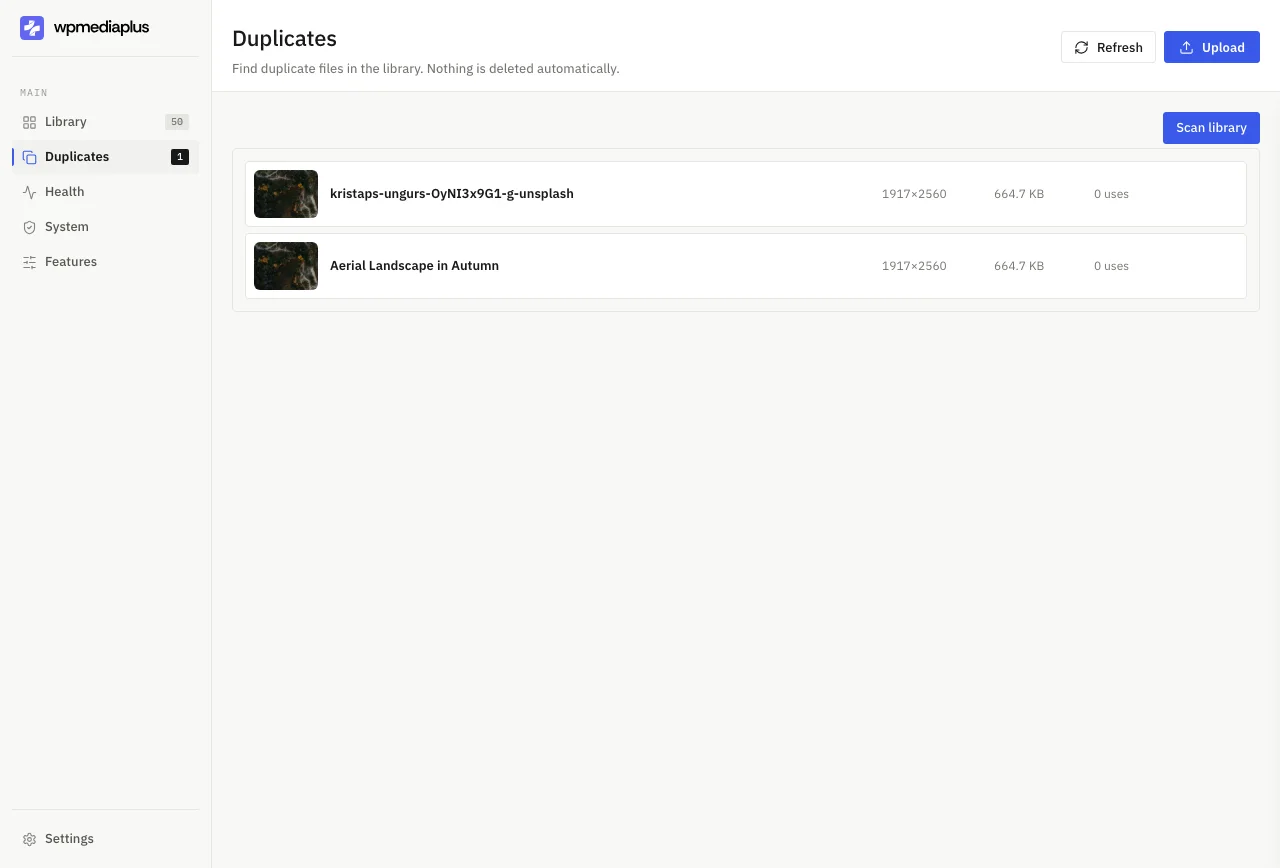
Compare what the tools actually do, then try the workflow on a real library before deciding what fits your site.